



Nexus Aero
Follow us
Stay updated
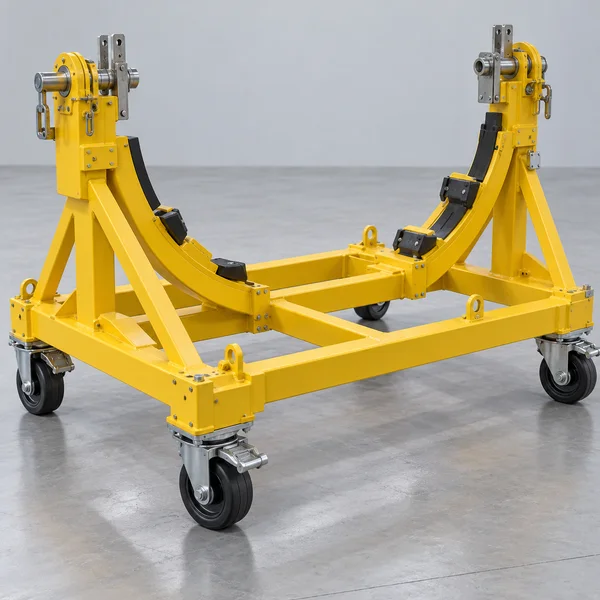
Conceptual aircraft engine on a transport stand in a component maintenance hangar

AEROCHAIN · AVIATION OPERATIONS

Put your stock to work.Keep every order in view.

Connect inventory, component and repair sourcing, and order coordination—so your team can work from the same records.

For operators, MROs, suppliers and independent brokers.

Building your aviation career? Explore AeroPassport

Conceptual aviation imagery

AEROCHAIN · AVIATION OPERATIONS

One part record.A connected path forward.

Organize your stock, source components or repairs, and coordinate agreed work—from the same connected records.

Inventory

Keep part identity, condition, location, life limits and supporting documents.

Illustrative stock record

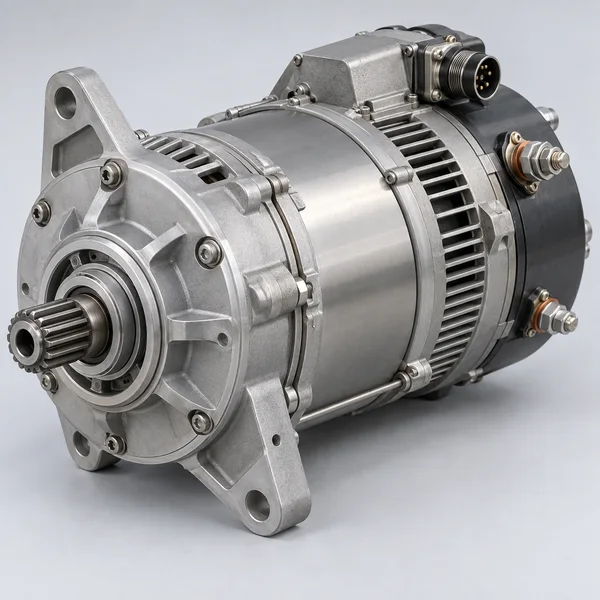
Illustrative aircraft starter-generator

Starter-generator

P/N
DEMO-SG-024
S/N
DEMO-001
Condition
Serviceable (sample)
Location
Example store

Sourcing

Offer a component · Request a part · Find repair capability

Workspaces

Coordinate quotations, decisions, responsible participants, repair progress, delivery and returns.

Work updates the component record. Returns follow the agreed obligations.

Interactive illustration · Technical and commercial decisions remain with the authorized participants.

AEROCHAIN / SOURCING

Find what you need.Offer what you can provide.

Components, repair capabilities and aviation requirements in one place. Review the technical fit, agree the terms and carry the work into a connected Workspace.

Browse public Sourcing
Illustrative aircraft starter-generator
Category illustration

The right part starts with the right details.

Find stock, offer surplus or publish a requirement. Keep part identity and declared condition alongside the commercial terms.

Technical fit
P/N · aircraft applicability · declared condition
Evidence to review
Traceability, life limits and applicable release documents
Terms to agree
Quantity, required date, delivery and any core/return obligations
Explore by agreementAcross published posts

Have stock, a service or a requirement?

Publish stock from Inventory, offer a defined service or post what you need.

Post an offer or request

Public summaries are open to browse. Protected details and commercial actions require the appropriate AeroChain account access.

How Sourcing works

AEROCHAIN / COMPONENT POOLING

Programme in development

More shared access.Less idle stock.

A component can sit idle in one organization while another needs it. Pooling is designed to connect eligible stock across operators, MROs and suppliers—through shared visibility and agreed access.

THE PLANNED MEMBER EXPERIENCE

Explore shared access before buying another spare.

  • Match the exact P/N, applicability, condition and required date.
  • Review supporting evidence, available scope and agreed access rules.
  • Keep handover, use and return obligations together in a Workspace.
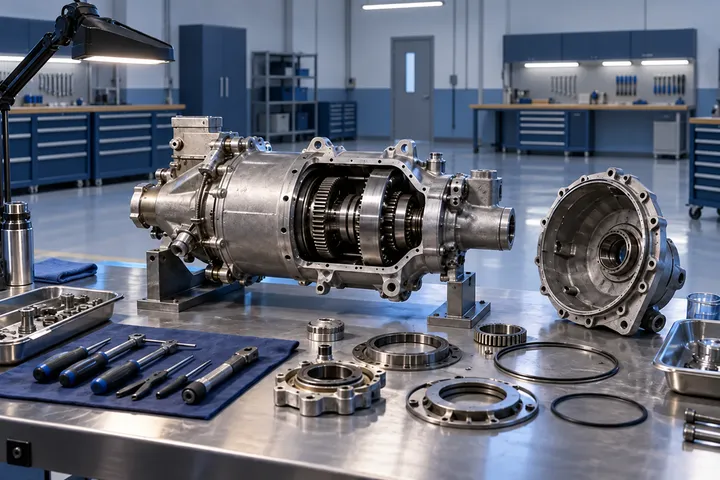
Conceptual aircraft engine and component facility
Programme concept · illustrative facility
Shared visibility. Owner control.Coordinate eligible availability through agreed participant rules.

PROPOSED OPERATING MODEL

  1. 01Define contributionsAssets, availability and records
  2. 02Review the matchTechnical scope and evidence
  3. 03Agree accessOwner consent, terms and obligations
  4. 04Coordinate use & returnHandover, custody and closure

AEROPASSPORT / FOR INDIVIDUALS

Your experience.Your next opportunity.

For aviation professionals and students: keep your professional record together, choose what to share and explore reviewed opportunities from Iranian aviation employers.

  • Build one clear professional record

    Experience, education, skills and aviation qualifications together.

  • Keep qualification dates in view

    See recorded expiry dates and records that need your attention.

  • Choose your public presence

    A limited, numbered profile with private evidence kept separate.

NUMBERED PROFILE / FICTIONAL EXAMPLEAP-DEMO-001
Preview

YOUR PRIVATE PROFESSIONAL RECORD

More than a scattered set of documents.

Professional focus
Aircraft maintenance / sample
Experience & education
3 experience entries · 2 education entries
Skills & languages
6 skill entries · 2 languages
Qualifications
3 qualification records · review status separate

Organize your declarations and references to private supporting records.

Fictional profile. Controls affect this preview only; identity, contact details and evidence remain private.

NEXUS INTELLIGENCE / NATIONAL AIR TRANSPORT DNA

See the connections.Understand the opportunity.

Explore Iran’s aircraft, airlines and airport relationships in one connected view. Start your market research with context you can trace.

  • See the industry structure

    Explore fleet composition and operator context.

  • Ask more informed questions

    Put sourcing, service and partnership research in context.

  • Follow the evidence

    See sources, dates and coverage alongside the analysis.

Explore public Intelligence
Conceptual airport scene with an illustrated information network
ONE INDUSTRY. CONNECTED CONTEXT.
Conceptual illustration

CHOOSE A QUESTION. EXPLORE THE CONTEXT.

Which aircraft families shape the market?

Explore recorded aircraft composition by manufacturer and family, then examine its operator context.

  • Manufacturer
  • Aircraft family
  • Recorded operator

Give fleet-related sourcing and service research a clearer starting point.

Explore fleet evidence

Explore the analytical perspectives above. Published observations are dated evidence, not a live fleet or current flight schedule.

INCLUDED WITH AEROCHAIN

Public insight. Deeper member analysis.

Go further with filters, comparisons and source dossiers. Member tools follow your AeroChain account permissions.

Open member Intelligence
Inspect the published fleet snapshotLoading published data…
Published fleet evidence

Loading the public snapshot…

Sources, publication and access rules

TRUST / CLARITY / ACCOUNTABILITY

Clear controls.Accountable collaboration.

Work with a clearer view of participants, shared information and responsibility. Explore the controls that support each relationship on Nexus Aero.

Know who can actIdentity, organization and account access

AeroChain applicants provide identity evidence and, for a company account, organization and representative details. Admin reviews the application and controls Trial, Active or Suspended access.

Contact verification, identity review and technical authority are separate checks.

How identity and access are governed
Choose what is sharedPublic presence and private evidence

Public Sourcing, business Profiles and service Catalogues show permitted fields under publication controls. Private evidence follows its own access rules; permission to view a record does not make its documents public.

AeroPassport’s numbered public profile also has its own consent and publication review.

Read privacy and data rights
Keep decisions connectedTerms, evidence and changes in context

Keep quotations, agreed scope, participant decisions and supporting documents in the same Workspace. Amendments retain their context so a later stock or listing edit does not silently rewrite an earlier agreement.

Your authoritative maintenance and material records remain the reference for their purpose.

Explore document and data governance
Keep technical authority clearCoordination with defined responsibilities

Nexus supports discovery, evidence and coordination. Technical acceptance, installation decisions and maintenance release remain with the appropriately authorized organizations and people.

Membership, identity review and payment do not create an aviation approval.

Read the terms and responsibility boundaries

YOUR NEXT STEP / TWO CLEAR PATHS

Start with a real need.

Bring one operational challenge or one career goal. Choose your path and know what happens next.

AeroChain

For operators, MROs, suppliers and brokers

Put your next operation in motion.

Start with part records, locations and stock planning.

Explore Inventory
  1. Create and verify

    Enter your name, email and mobile. Verify both contacts.

  2. Complete your Account review

    Add identity evidence; company accounts also need company and representative details.

  3. Receive operational access

    Admin reviews your application and grants Trial or Active access when approved.

AeroPassport

For individual aviation professionals and students

Give your experience a clear next step.

JUST EXPLORING?

Browse reviewed Iranian aviation Jobs before creating an account.

Browse public Jobs
  1. Create your individual account

    Register as an aviation professional or student and verify your contacts.

  2. Build your private Profile

    Bring experience, skills, qualifications and document dates together.

  3. Explore Jobs and take the next step

    Verified sign-in opens the employer’s official application link for eligible listed jobs.

Public-profile sharing is optional and has separate consent and review. It is not required to apply for Jobs.

Before you begin

A few useful answers, with more detail in Help.

What can I explore without an account?

Public Sourcing summaries, Iranian aviation Jobs, solution guides, resources and published aggregate Intelligence. Responding to an offer requires appropriate AeroChain access. Continuing to an employer’s application requires verified AeroPassport sign-in.

Does a listing confirm availability or approval?

No. Availability, condition, supporting evidence and the applicable authority must be checked for the specific engagement. A public preview is not an allocation or technical approval.

Where should an MRO organization begin?

Request a focused demonstration around one real workflow—such as a repair enquiry or component requirement—then complete the relevant organization, identity and access reviews.

Who is AeroPassport for?

AeroPassport is for individual aviation professionals and students: a private professional record, optional numbered public profile and reviewed Iranian aviation Jobs. Browse Jobs publicly; verified sign-in is required to continue to the employer’s application page.